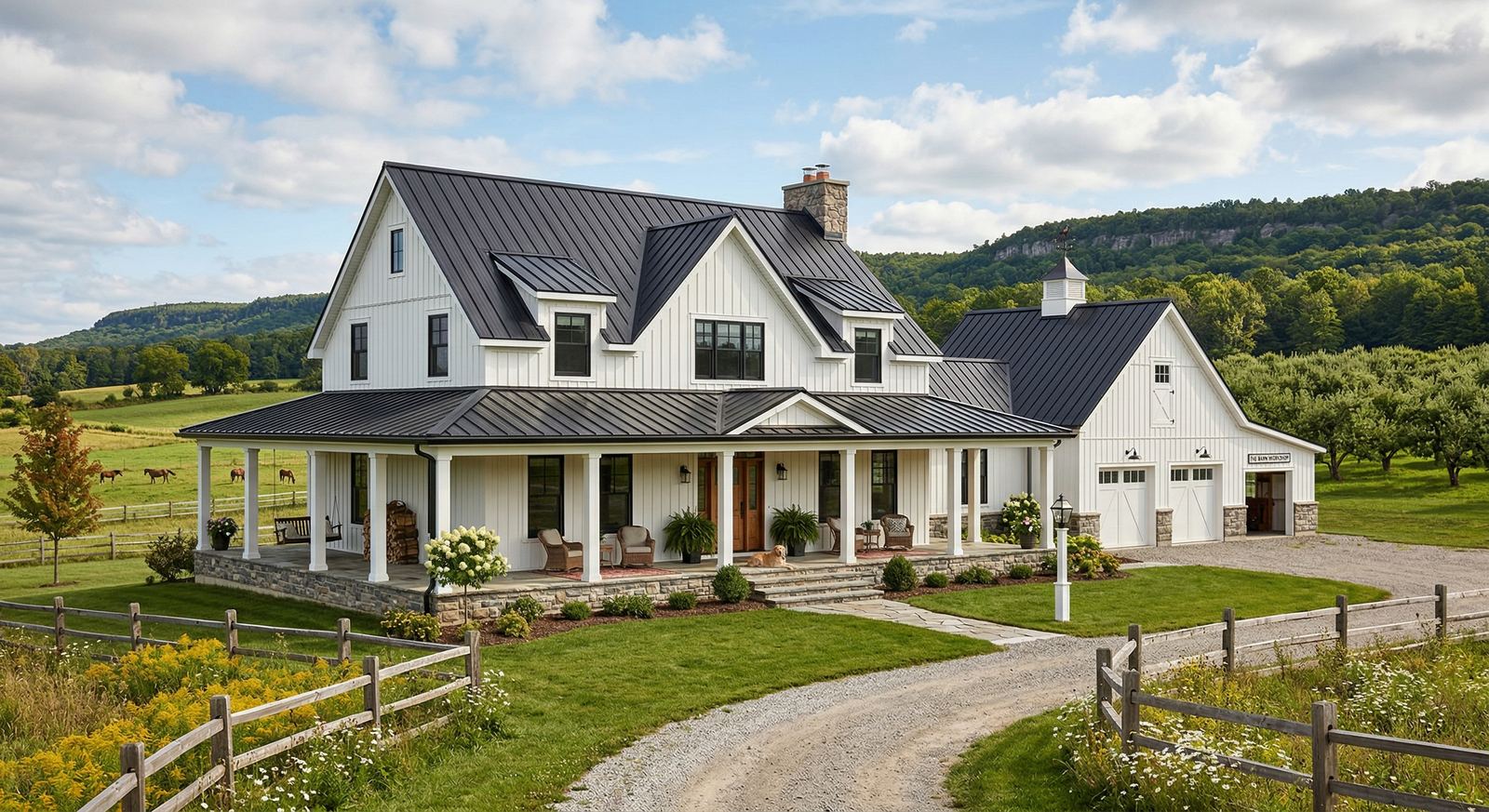
Examples of home automation: practical smart home guide

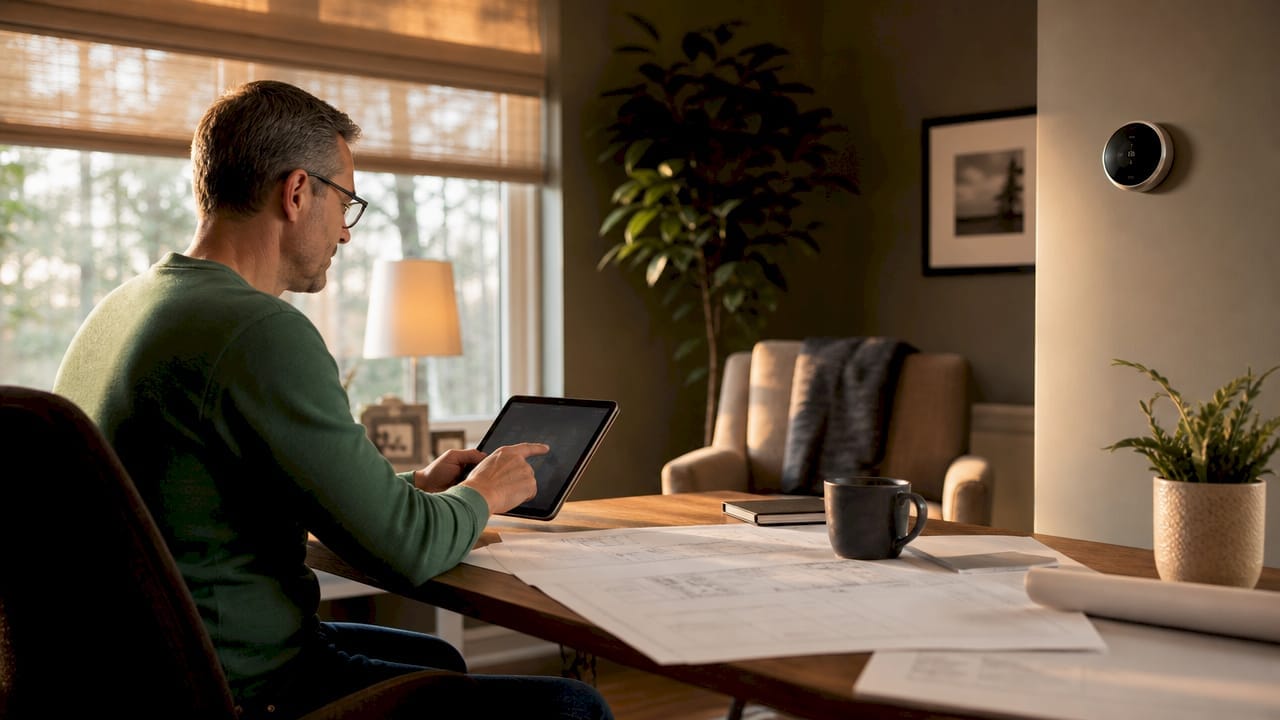
TL;DR:
- Home automation uses connected devices to control home systems automatically or remotely. Planning automation during construction ensures better integration, reliability, and energy savings.
Home automation is defined as the use of connected devices, sensors, and software to control home systems automatically or remotely. The best examples of home automation include smart lighting that responds to occupancy, automated climate control driven by sensors, integrated security systems with remote access, and multi-device scenes that run without manual input. Platforms like Home Assistant and Homey unify these devices into a single, reliable system. For Canadian homeowners in South Georgian Bay and across Simcoe County, building automation into a new custom home or renovation from the start delivers far better results than retrofitting later.
1. Examples of home automation: smart lighting systems
Smart lighting is the most common starting point in home automation, and for good reason. It delivers visible results quickly, costs relatively little to install, and connects easily with other devices. Core lighting automations include motion sensors, schedules, and voice control.
Practical smart lighting examples include:
- Motion-triggered lights that turn on when you enter a room and off when you leave, cutting wasted energy in hallways, bathrooms, and garages
- Colour-changing bulbs like Philips Hue that shift from cool white for morning focus to warm amber for evening relaxation
- Occupancy simulation schedules that turn lights on and off at set times to mimic someone being home, adding a layer of security when you travel
- Voice assistant integration with Google Home or Amazon Alexa for hands-free control in kitchens and living rooms
- App-based dimming that lets you set the right level for movie nights or dinner without getting up
Pro Tip: Pair your smart lighting with a daylight sensor. The system will automatically dim or turn off lights when natural light is sufficient, which cuts energy use without any extra programming on your part.
Choosing mesh protocols like Zigbee over Wi-Fi-only bulbs keeps your router from getting congested as your device count grows. This matters especially in larger custom homes in Collingwood or Blue Mountain where you may have dozens of lights across multiple floors.
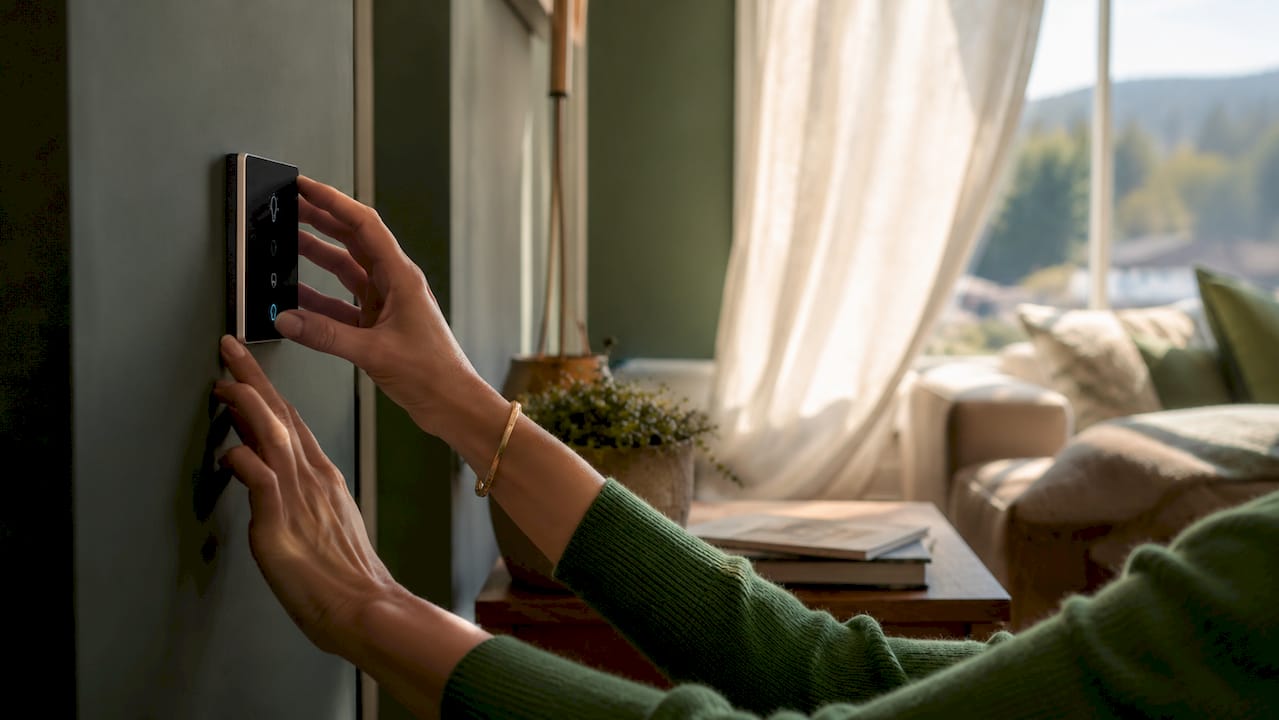
2. Automated climate control: thermostats and HVAC management
Smart thermostats are one of the highest-return automated home features available. They learn your schedule, respond to occupancy sensors, and adjust heating or cooling before you even ask. The result is a comfortable home that wastes less energy.
Key climate control automations include:
- Learning thermostats like the Google Nest or Ecobee that track your daily patterns and build a schedule automatically
- Occupancy-based HVAC control that drops the temperature in empty rooms using motion or door sensors
- Geofencing triggers that start warming or cooling your home when your phone is a set distance away
- Remote app control so you can adjust the temperature from a job site, a ski run at Blue Mountain, or a waterfront dock in Wasaga Beach
- Integration with smart vents to direct airflow only to occupied rooms
Pro Tip: When selecting smart climate devices, choose products that support Zigbee, Z-Wave, Thread, or Matter protocols. These mesh network protocols create self-healing networks that stay responsive even as your device count grows, unlike Wi-Fi-only devices that can slow your whole network.
The real value of automated climate control is not just remote access. Sensor-driven automation anticipates your needs rather than simply responding to manual commands. That shift from reactive to proactive is what separates a truly automated home from one that just has a fancy app.
3. Integrated smart security systems
Smart security is where home automation moves from convenient to genuinely important. Integrated security examples include smart locks, video doorbells, sensor-triggered cameras, and instant mobile alerts. Together, they give you full visibility and control over who enters your home.
Common smart security automations include:
- Smart locks like the Schlage Encode or Yale Assure that let you lock and unlock doors remotely, grant temporary guest codes, and receive entry notifications
- Video doorbells like the Ring or Google Nest Doorbell that record motion events, send alerts, and let you speak to visitors from anywhere
- Sensor-triggered cameras that activate recording only when a door, window, or motion sensor fires, saving storage and battery life
- Automated exterior lighting that turns on when cameras detect motion at night, deterring unwanted visitors
- Mobile alert integration that pushes real-time notifications to your phone the moment something unusual happens
Pro Tip: All smart switches and locks should have physical manual overrides. This is a critical and often-overlooked design factor. Guests, tradespeople, and family members who are not tech-savvy need to operate your home without pulling out a phone.
For homeowners building custom homes in South Georgian Bay, planning security automation during the build phase means wiring, camera placements, and lock hardware can all be integrated cleanly rather than added as an afterthought. You get better coverage and a cleaner finish.
4. Motorized blinds and window coverings
Automated window coverings are one of the most underrated smart home examples. They control natural light, improve privacy, and reduce solar heat gain in summer, all without you touching a cord. In a waterfront cottage in Wasaga Beach, motorized blinds can make a dramatic difference in comfort and energy use.
Motorized blinds connect to your central hub and respond to sunlight sensors, time schedules, or temperature readings. When the afternoon sun heats a south-facing room past a set threshold, the blinds close automatically. They reopen at sunset. You can also tie them into your morning routine so they rise gradually with your alarm, replacing a jarring wake-up with natural light.
Brands like Lutron and IKEA FYRTUR offer options across a wide price range. Lutron’s Serena shades integrate with most major platforms including Apple HomeKit, Google Home, and Amazon Alexa. IKEA FYRTUR works with the IKEA Dirigera hub and suits budget-conscious builds well.
5. Smart plugs and appliance management
Smart plugs are the fastest way to add automation to any existing appliance. You plug the smart plug into a standard outlet, plug your appliance into it, and then control power remotely or on a schedule. No rewiring. No special installation.
Practical uses include setting a coffee maker to start before your alarm, cutting power to a TV or gaming console after a set time, and monitoring energy draw from older appliances. Smart plugs from brands like TP-Link Kasa or Eve Energy report real-time energy consumption to your phone. That data shows you exactly which devices are costing the most to run.
True automation value comes from using that consumption data to build feedback loops. If your dryer draws power for more than 90 minutes, the system can send you an alert. If an appliance is left on after midnight, a routine turns it off automatically. These are the kinds of automations that pay for themselves.
6. Multi-device scenes and routines
A scene is a single command that triggers multiple devices at once. It is one of the most powerful home automation ideas because it collapses a dozen manual steps into one tap, one voice command, or one automated trigger.
Common scene examples include:
- Good Morning scene: Blinds open, thermostat rises to 21°C, kitchen lights turn on at 50%, and the coffee maker starts
- Away scene: All lights off, thermostat drops to an energy-saving temperature, locks engage, and cameras arm
- Movie Night scene: Living room lights dim to 10%, TV turns on, soundbar activates, and the front door locks
Platforms like Home Assistant and Google Home make scene creation straightforward. Home Assistant offers the most flexibility for complex logic, while Google Home suits homeowners who want simple setup without technical configuration.
7. Energy monitoring and adaptive automation
Energy monitoring is a home automation solution that most homeowners overlook until they see their first bill comparison. Smart energy monitors like the Emporia Vue or Sense install at your electrical panel and track consumption by circuit in real time.
The data these devices generate feeds back into your automation system. If your home draws more power than expected on a weekday afternoon, the system can cross-reference occupancy sensors and identify the source. Over time, the system builds a picture of your home’s energy behaviour and flags anomalies automatically.
Feedback loops using sensor data represent the most advanced tier of home automation. Rather than simply responding to commands, the system learns and adapts. This is where smart home technology moves from a convenience into a genuinely efficient building system, which matters for homeowners in Clearview Township and Springwater who want to reduce their environmental footprint.
8. Choosing the right hub: how does home automation work?
Home automation works through three components: inputs such as sensors and switches, a processing hub, and outputs such as lights, locks, and thermostats. The hub is the brain. Without a reliable hub, devices from different brands cannot communicate, and your automations break down.
Selecting a central platform is the single most important decision in any smart home build. Home Assistant runs locally on your own hardware and supports thousands of devices. Google Home and Apple HomeKit are simpler but rely more heavily on cloud connectivity. Homey Pro sits in the middle, offering strong local control with an accessible interface.
Local control hubs like Home Assistant and Homey Pro keep your automations running during internet outages. This matters for security and lighting routines that you cannot afford to lose when a server goes down. For homeowners in Tiny Township or rural parts of Simcoe County where internet reliability varies, local control is not optional. It is the right choice.
Pro Tip: Start with one hub and two or three foundational devices before adding complexity. Fragmented devices without a unified hub overwhelm homeowners and create reliability problems that are hard to diagnose later.
Key takeaways
The most effective home automation systems combine local control, a unified hub, and sensor-driven routines to deliver comfort, security, and energy savings without constant manual input.
| Point | Details |
|---|---|
| Start with a unified hub | Choose Home Assistant, Google Home, or Homey Pro before adding devices to avoid fragmentation. |
| Prioritise local control | Local processing keeps automations running during internet outages, critical for security and lighting. |
| Use sensor-driven routines | Automations triggered by occupancy, temperature, and sunlight outperform simple remote control apps. |
| Plan manual overrides | Every smart switch and lock needs a physical override so all residents can operate the home. |
| Build in phases | Start with lighting and climate, then add security, blinds, and energy monitoring as confidence grows. |
What I have learned from planning homes with automation built in
Most homeowners come to automation backwards. They buy a smart bulb, then a thermostat, then a doorbell, and suddenly they have three apps, two voice assistants, and a system that works about 80 percent of the time. That last 20 percent is where frustration lives.
The homes that work best are the ones where automation was part of the conversation during the design phase. When you plan conduit runs, network access points, and panel capacity before the walls close, you get a system that is genuinely reliable. Retrofitting is possible, but it always involves compromise.
I have also seen homeowners skip the protocol question entirely and buy whatever is cheapest on sale. Six months later, they have a mix of Zigbee, Wi-Fi, and Bluetooth devices that refuse to talk to each other. Choosing a protocol standard early, whether that is Zigbee, Z-Wave, or the newer Matter standard, saves an enormous amount of rework.
The other thing I would push back on is the idea that more automation is always better. The best systems I have seen are the ones where the homeowner sat down and asked: what do I actually want to stop doing manually? Answering that question honestly leads to a focused, reliable system. Chasing every new device leads to a complicated one.
If you are building in South Georgian Bay, talk to your builder about smart home integration before the framing stage. That conversation costs nothing and saves a great deal of time and money later.
— Adam
Building automation into your custom home from day one
Mighton Construction works with homeowners across Wasaga Beach, Collingwood, Blue Mountain, and Springwater to plan and build custom homes where technology is part of the structure, not an add-on.
When automation is considered at the design stage, conduit, wiring, and network infrastructure go in cleanly. The result is a home that performs the way you expect it to, from the first day you move in. Mighton Construction’s custom home building services cover everything from initial concept through to finishing, with transparent communication at every stage. Whether you are planning a luxury build in Collingwood or a waterfront cottage in Wasaga Beach, the team brings over 30 years of local expertise to every project. Contact Mighton Construction to discuss how your next build can include the automated home features that matter most to you.
FAQ
What are the most common examples of home automation?
Smart lighting, automated thermostats, smart locks, and video doorbells are the most widely used home automation examples. These devices connect through a central hub and respond to sensors, schedules, or voice commands.
How does home automation work for beginners?
Home automation works through sensors that detect conditions, a hub that processes the information, and devices that respond automatically. Starting with a platform like Google Home or Home Assistant and two or three devices is the recommended approach for new users.
Do smart home devices work without the internet?
Devices on local control platforms like Home Assistant or Homey Pro continue to function during internet outages. Cloud-dependent devices from brands that rely entirely on external servers will stop responding if the connection drops.
What is the best home automation system for Canadian homeowners?
Home Assistant offers the most flexibility and local control, making it well suited to Canadian homeowners who want reliability and privacy. Google Home and Apple HomeKit are strong options for those who prefer simpler setup and mainstream device compatibility.
How much does a home automation system cost to install?
Single smart devices start at roughly $20–$50, while a full system with a professional-grade hub and wired protocols requires a higher investment and advance planning. Building automation into a new custom home during construction is the most cost-effective approach.